
7 Best File-Sharing Security Practices
In the digital age, file-sharing is an increasingly popular way to quickly and easily share information with people we know. However, it’s important to understand how file-sharing works in order to ensure that our data remains safe and secure. Cybersecurity threats are constantly evolving, so understanding the basics of file-sharing can help protect us from cyberattacks.
In this article, we’ll explore ways to safely and securely share files with people you know by discussing topics such as encryption techniques, file formats, file size limits, and more. By following these guidelines for file-sharing best practices, you can rest assured that your data is safe from malicious actors online.
File-sharing and its importance in the digital age
File-sharing has become a key aspect of the digital age. By its definition, file-sharing is the practice of sending and receiving digital information between two or more computers over a network connection such as the internet. This file exchange can take place between individuals, organizations, file storage services, as well as many other file-sharing platforms available today.
In today’s world, file-sharing is essential for communication and collaboration. We use file-sharing to send documents quickly and easily from one person to another with minimal effort. It allows us to share large amounts of data quickly, such as photos or videos that would otherwise be too big to email. It's also useful for transferring sensitive information since the files can be encrypted and secured.
In short, file-sharing is an essential tool for people and organizations to stay connected, collaborate, and exchange data in the digital age. It’s important to understand file-sharing best practices so that your data remains safe and secure.
Key benefits to file-sharing
Before choosing the file-sharing platform, it is essential to establish an organizational file naming convention. This should include designations in an easily understandable hierarchy so everyone involved can find whatever they are looking for quickly. Doing so will help ensure that all files are clearly labeled and easy to find.
Make it clear to participants why this is happening and the resulting benefits to the all involved:
Everyone will be able to easily find the information they need.
It will create consistency in your file names.
It will make it easier to manage your files from an admin perspective.
It will improve the readability of your files.
It will promote teamwork by establishing standards that benefit everyone.
Remain consistent and keep things straightforward. Instill in yourself the habit of following your established naming protocols between parties or groups to avoid any misunderstandings or duplication.
Negative forms of file-sharing
When file-sharing is not done properly and safely, it can lead to serious repercussions. Without the proper security measures in place, file-sharing can be dangerous and expose your data to malicious actors online.
One of the most common forms of file-sharing attacks involves phishing. Phishing occurs when an attacker sends a malicious file disguised as a legitimate file or link in an email or other file-sharing platform. Once clicked on, this file will download malware onto the victim’s computer, giving attackers access to their personal information and files.
Another popular form of attack is man-in-the-middle (MITM) attacks which involve intercepting communications between two computers as they are exchanged over a network connection such as file-sharing networks or file-hosting services. Attackers can use this technique to access and steal data as it is sent from one person to another.
Finally, file sharing can also be used for ransomware attacks. This occurs when malicious actors encrypt a file being shared between two computers, preventing either party from accessing the file until a ransom is paid.
It’s important to take precautions before engaging in any file-sharing activities online. Be sure to always double-check the sender of any emails you open, watch out for potential phishing scams, implement encryption techniques on all files before transferring them, and use file-sharing platforms that offer two-factor authentication or other cybersecurity measures for added protection.
File sharing best practices
When it comes to file sharing, there are a few key measures you can take to ensure that the file exchange is safe and secure.
1. The first step is to use encryption techniques on your files. Encryption works by transforming data into an unreadable format until a key or password is entered. This helps protect your file from being seen by unauthorized parties while in transit between two devices.
2. An important factor to consider when file sharing is the file format. Different file formats have different levels of security, so choosing a file format that offers the highest level of security for your needs will help keep your data safe and secure. Some common file formats for file sharing include PDFs, Microsoft Office documents, ZIP archives, and various types of media files.
3. You should also pay attention to file size limits when file sharing. Many platforms have file size limits, so make sure you know what the limit is in order to avoid running into any issues while sending or receiving files.
4. Set up alert notifications for highly sensitive and critical information. Alerts help you stay up to date on file exchanges and can alert you of any suspicious activity.
5. Decide if you want just your organization or others outside of your organization to have access. Set permissions accordingly, audit them regularly and maintain consistency in them.
6. If you need to share a file, share a protected link, not the attachments. That way your data stays safe within your organization and can help avoid data breaches.
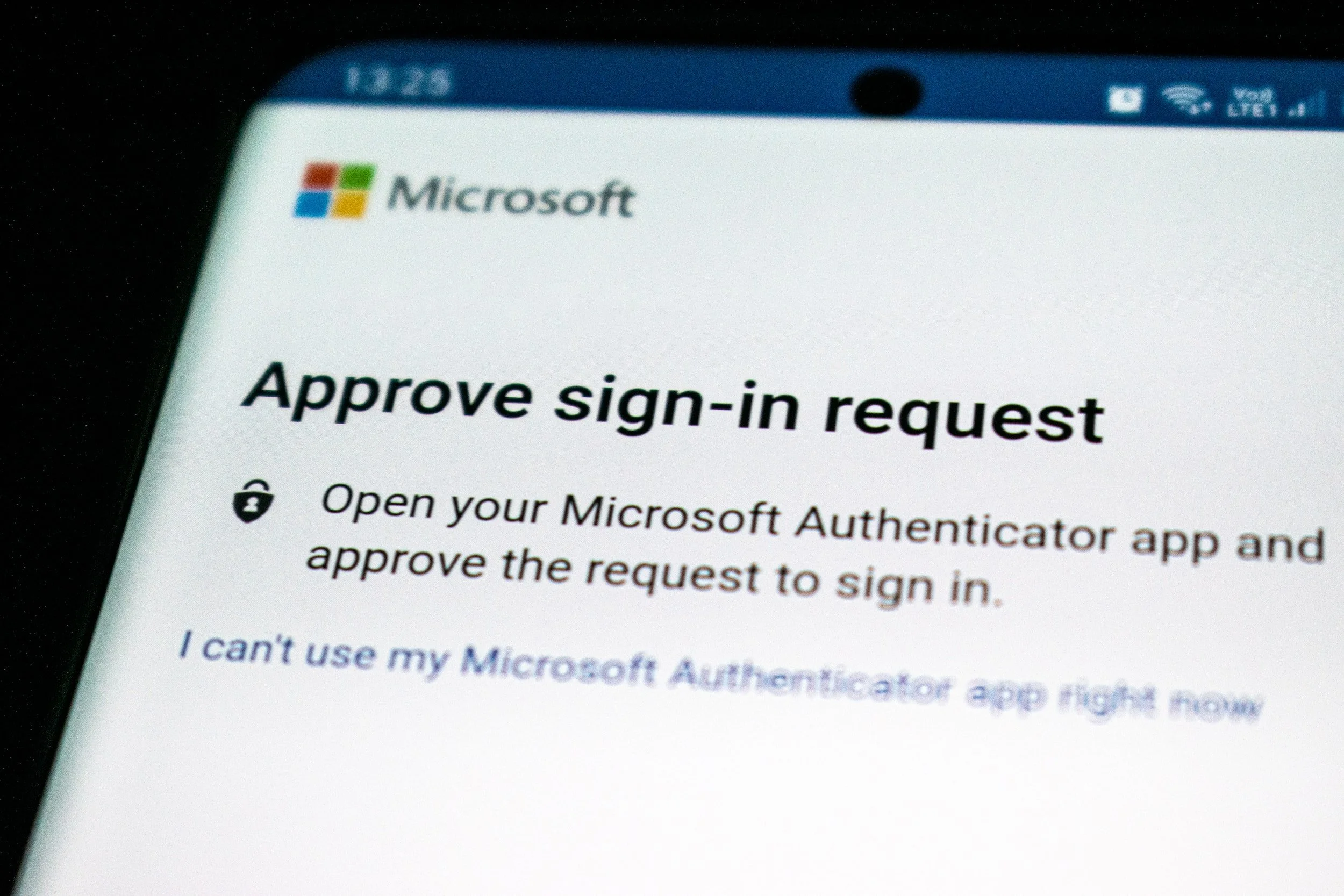
7. Finally, look out for services that offer two-factor authentication and other cybersecurity measures, such as user access control or encryption at rest. These measures help ensure that your file remains safe and secure even if it falls into the wrong hands.
While these practices need to be bolstered and paired with other cybersecurity measures, following these simple guidelines for file-sharing best practices can help make sure your file exchanges are safe and secure from malicious actors online.
Understanding how file-sharing works will help protect your data and ultimately protect yourself from cybersecurity threats. If you have any questions about the cybersecurity of your organization, feel free to contact us.
Ozark Technology is a Business Technology Provider that helps organizations across the country rethink the value technology brings to their business. Want to partner with us? Let’s chat.