

BLOG
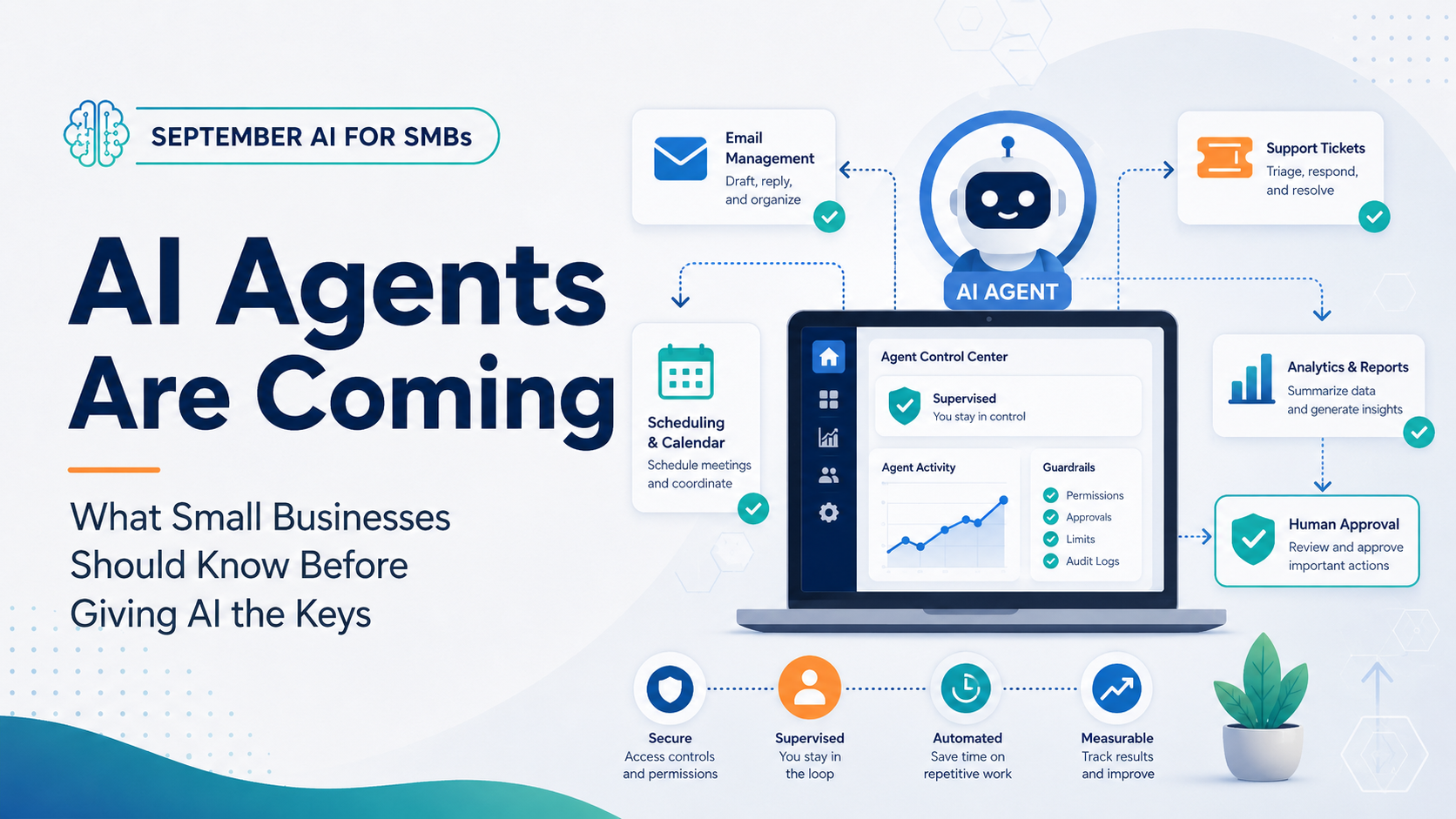
AI Agents Are Coming: What Small Businesses Need to Know Before Giving AI the Keys
Most people are starting to understand AI assistants.
You ask a question.
AI gives you an answer.
You ask it to write something.
It gives you a draft.
AI agents are the next step.
Instead of just helping with a task, an AI agent can potentially take action across multiple systems and complete parts of a process for you.
That is where things start getting much more interesting for small businesses.
It is also where businesses need to be careful.
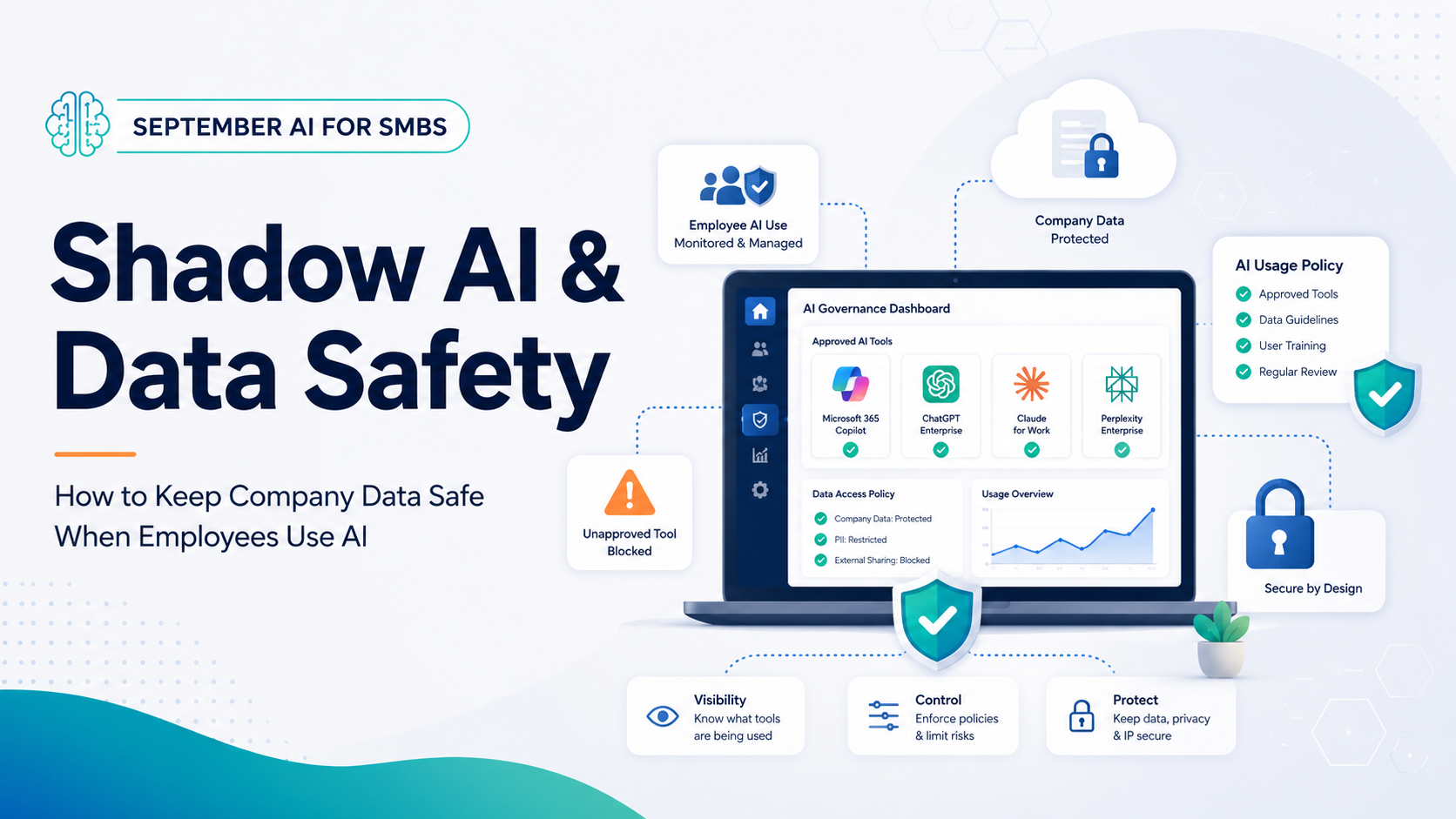
Your Employees Are Already Using AI: Here’s How to Keep Company Data Safe
One of the biggest AI conversations businesses need to be having right now is not whether employees should use AI.
It is whether they are already using it.
In most companies, the answer is probably yes.
Employees are using ChatGPT, Copilot, Gemini, Claude, Perplexity, AI meeting tools, browser extensions, and dozens of other applications to help with everyday work.
That is not necessarily a bad thing.
The problem starts when the business does not know what is being used, what information is being entered, or where that information may be going.
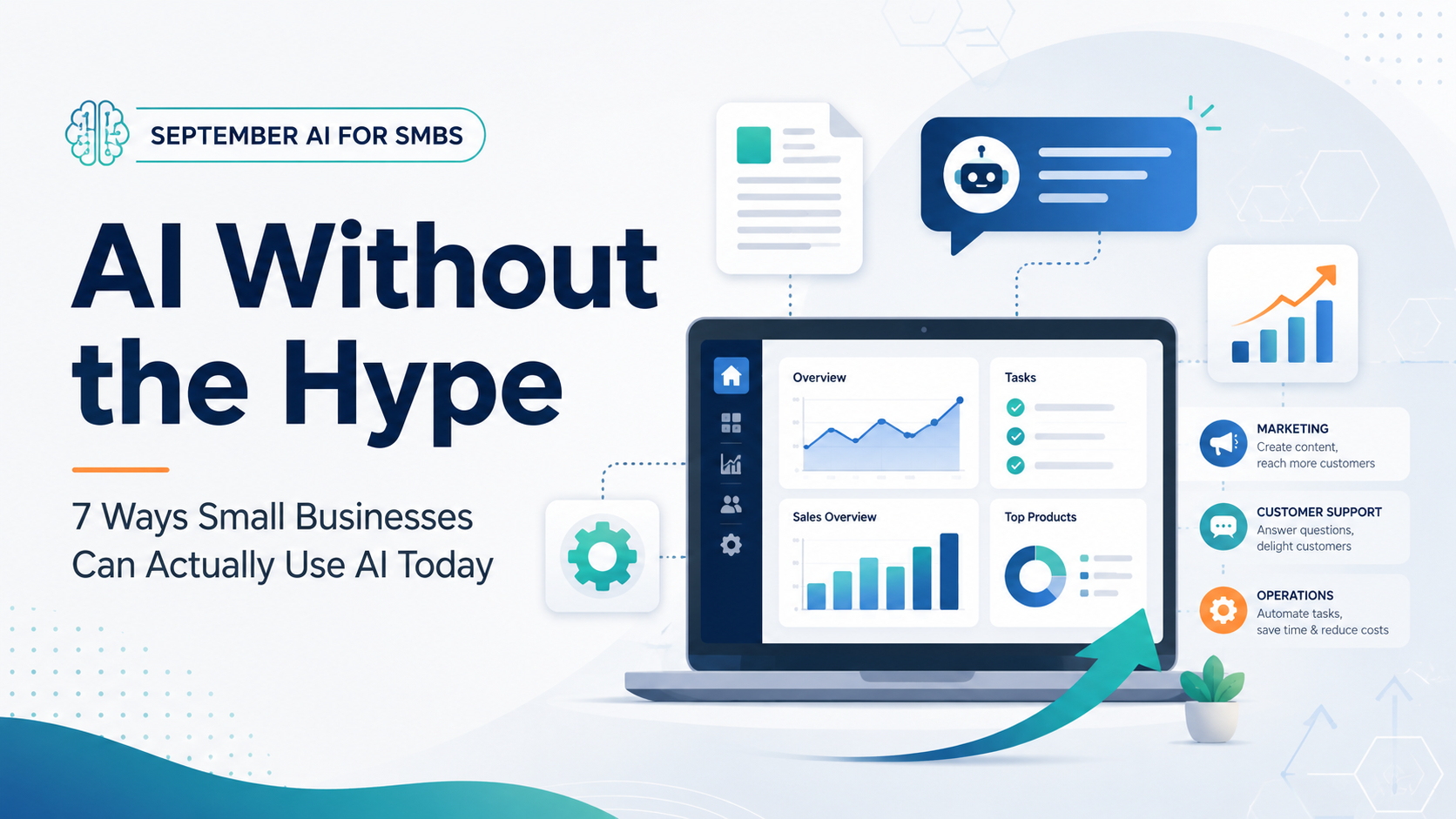
AI Without the Hype: 7 Ways Small Businesses Can Actually Use AI Today
AI is everywhere right now, and depending on who you talk to, it is either going to completely change the world or replace half the jobs in it.
For most small businesses, that is not really the conversation that matters.
The better question is:
Can AI save us time, help employees work better, or improve the customer experience?
In a lot of cases, the answer is yes.
You do not need a huge AI budget, a development team, or a complicated rollout to start seeing value. The best place to start is usually with small, repetitive tasks that already take up too much time.

What AI Can't Do When Your Systems Go Down
Most businesses spend big money on tools that tell them when something is wrong. Recovery planning gets significantly less attention.
Think of this like a fire alarm. A fire alarm will alert you to danger, but it won’t extinguish or prevent the fire. It can't protect your building or belongings or get people to safety.
It does, however, give you time. But whether the incident is contained or spreads depends on the preparation and safeguards you already have in place.
Similarly, AI monitoring tells you a server is down, flags unusual activity and alerts you to a failed backup. What it can't do is mitigate the cost of an hour of lost productivity or the impact of having your team sit idle while they wait for direction.
For a growing business like yours, what happens after the alert often comes down to one thing: how quickly you're able to recover after an incident.

Downtime Doesn't Just Cost Money. It Costs Trust.
Every minute of downtime has a cost you can measure and one you can’t.
Your team sees a technical problem with a fix and a timeline. Your customers see a business that wasn’t there when they needed it, and they start wondering whether that will happen again.
While systems can be back online in hours, that question can linger longer.
Here’s how the damage of downtime spreads and why recovery is about more than just your technology.

Think Your Cloud Data Is Safe? Think Again.
Think Your Cloud Data Is Safe? Think Again.
Many businesses store their files in Microsoft 365 or Google Workspace and assume that’s all the data protection they need. It isn’t.
A cloud platform keeps your business connected and productive. But connected and protected aren’t the same thing. When files are deleted, overwritten or encrypted by ransomware, your cloud platform isn’t designed or obligated to get them back. That’s your job.
This is what’s known as shared responsibility. Your cloud provider keeps the platform running and the infrastructure secure. Protecting and recovering your data falls on you.
The risks are more common than most businesses realize. Here’s what you’re up against.

5 Ways Skipping Backup Testing Can Disrupt Your Business
Most businesses trust their backups completely, right up until the moment they don’t work.
If you’ve never tested yours, you don’t know what you have. You have a file sitting in storage, and you’re assuming it’ll come through when you need it. That’s not a recovery plan.
Testing your backups shows whether your systems, files and recovery plans can keep your business running when something goes wrong. Skip the tests, and your first live restore becomes your first live drill with no room to fail.
Here are five major risks you’re taking when backup testing isn’t on the calendar.

4 Signs Your Access May Be Out of Control
4 Signs Your Access May Be Out of Control
When a business grows, systems access grows with it.
You hire new people, bring in contractors or move someone into a different role, and you give them the logins and permissions they need to get to work. But those logins and permissions don’t always get removed when the project ends, the contractor leaves or the role changes.
Most likely, no one is consistently tracking which permissions are still active, and as a result, more people can log into your business than would if you were starting fresh today.
Each of these unused accounts are a potential entry point for attackers, and every unnecessary permission increases the risk of insider misuse whether intentional or inadvertent.
5 Questions Every Business Owner Should Be Able to Answer
You don't need to be an IT expert to run your business, but you must be able to answer a few basic questions about the systems you rely on every single day.
If you can’t answer them with confidence, you have some gaps to close…

6 Risks Your Business Probably Didn't Have at the Start of the Year
January feels like a long time ago, back when the “new year, new me” energy was still going strong.
Since then, a lot has changed. You’ve hired people, added tools and signed on new vendors. Maybe you’ve opened a new location or changed how your team operates. The first half of the year moves fast and when you’re heads-down, it’s easy to miss a few things along the way.
Consider this your midyear check-in — an honest look at six risks that tend to creep in as businesses grow, with a few questions to help you spot if any apply to you.

How to Calculate What an Hour of Downtime Really Costs Your Business
If your systems went down for an hour tomorrow, what would it cost you?
When asked this question, most business owners pause and guess a number that is almost always too low.
The costs of downtime are sneaky and difficult to measure. They don't appear neatly in a report. They scatter across your day in ways that are easy to miss unless you sit down and map them out.
This blog post will walk through a five-minute assessment with four simple components that provides a real number you can plan for.