
The Importance of Regular IT Maintenance for Businesses
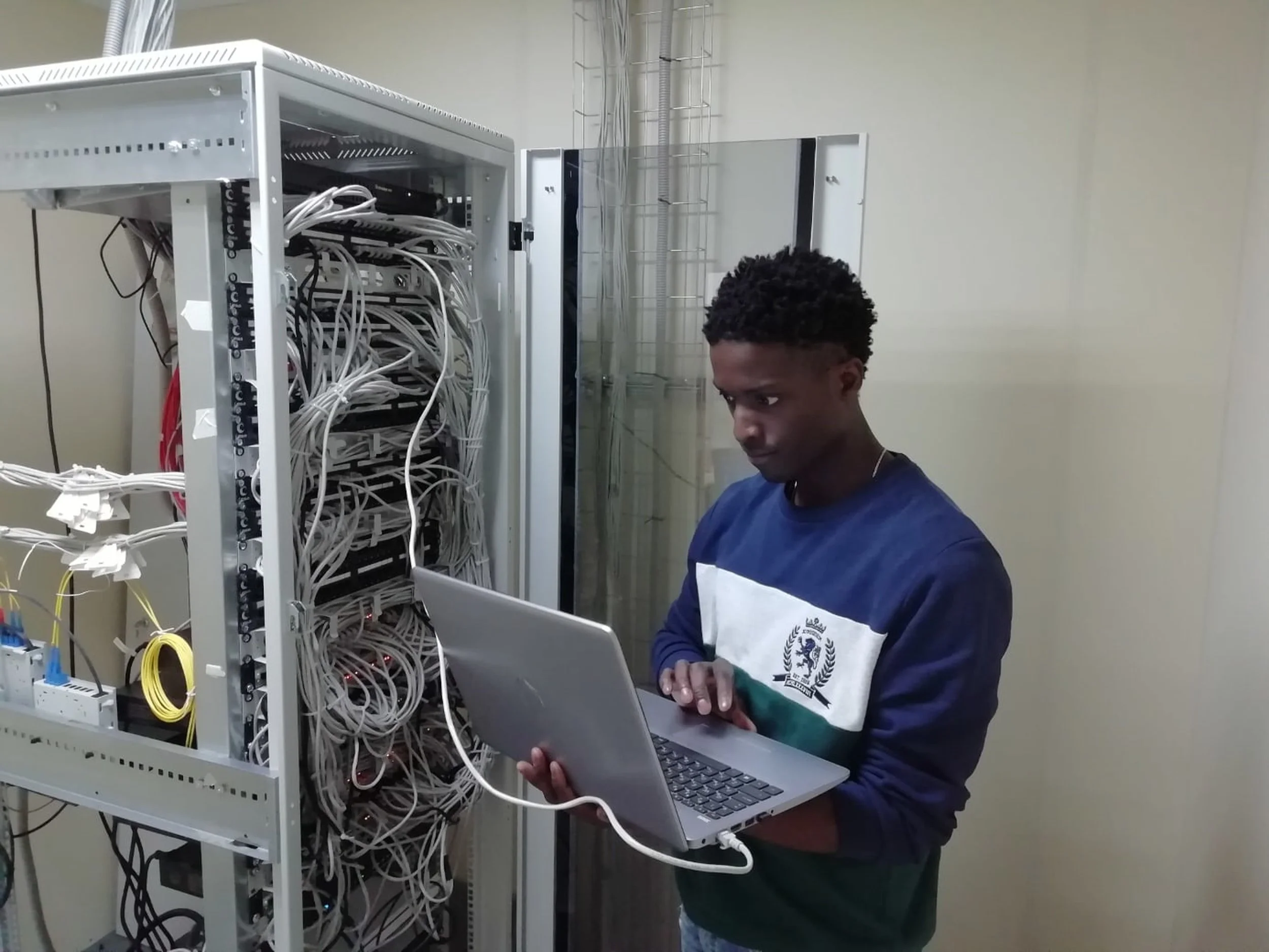
In today's fast-paced digital world, businesses rely heavily on technology to maintain smooth operations and stay competitive. Regular IT maintenance is essential for ensuring that your computer systems run efficiently and securely. In this article, we'll explore the importance of regular IT maintenance and how it can help protect your business from potential threats.
Regular IT Maintenance: Why It Matters
Routine IT maintenance is crucial for businesses to ensure that their computer systems, software, and hardware are up-to-date, secure, and performing at their best. Regular maintenance checks can help you identify and resolve issues before they escalate, leading to improved productivity and a reduction in support costs.
System Maintenance for Smooth Business Operations
Performing regular system maintenance helps prevent slowdowns, downtime, and potential faults in your computer network. Scheduled maintenance means that your IT systems are being maintained at regular intervals, ensuring maximum efficiency in your business operations.

Protecting Your Business from Cyber Threats
Regular IT maintenance can reduce the risk of cyberattacks, malware, and data loss. By updating and patching your systems, antivirus software, and firewalls, you're proactively protecting your business from potential threats and ensuring a well-maintained IT environment.
The Importance of Employee Cybersecurity Training for Arkansas Businesses
Basic IT Maintenance Tasks Every Business Should Perform
Software Updates and Patching: Keep your software packages, antivirus programs, and operating systems updated to the latest version. This helps address security concerns and ensures optimal performance.
Hardware Maintenance: Regularly clean and inspect your hardware, such as servers and PCs, to prevent dust buildup and overheating issues.
Antivirus and Malware Protection: Ensure your antivirus software is updated and running regular scans to detect and remove viruses, malware, and other malicious threats.
Data Backup and Recovery: Implement a data backup solution and test your recovery process regularly to protect against data loss.
Deleting Old Files and Archiving Data: Regularly delete old files, duplicate files, and archive data to free up space and improve system performance.
How to Choose the Right Data Backup Solution for Your Arkansas Business

How Regular IT Maintenance Helps Your Business
Improved Productivity
Slow systems can significantly impact your employees' productivity. Regular maintenance helps your systems run more smoothly, ensuring that your staff can focus on their daily tasks without facing technology roadblocks.
Reduced Downtime
Regular IT maintenance allows you to identify and resolve potential issues before they escalate, minimizing downtime and the negative impact on your business operations.
Enhanced Security
Performing regular maintenance tasks, such as updating software and antivirus programs, helps protect your business from potential cyber threats, keeping your systems secure and your data safe.
Cost Savings
Proactive maintenance can help you identify issues early, reducing the need for costly repairs and support services.

In-House vs. Outsourced IT Maintenance
Businesses can choose to perform IT maintenance in-house or outsource it to a managed IT services provider. Both options have their pros and cons, depending on the size, budget, and requirements of your business. In-house IT maintenance provides more control over your systems and may be more cost-effective for smaller businesses with limited IT needs. On the other hand, outsourcing your IT maintenance to a managed service provider offers access to a team of IT experts, round-the-clock support, and the latest technology solutions.
The Pros and Cons of In-House vs. Outsourced IT Support for Businesses
Conclusion
The importance of regular IT maintenance for businesses cannot be overstated. By investing in routine maintenance tasks, businesses can ensure their IT systems run smoothly, reduce downtime, protect against cyber threats, and ultimately, improve overall productivity. By considering your specific needs and resources, you can choose between in-house or outsourced IT maintenance to keep your technology running efficiently and securely.
FAQs
How often should I perform IT maintenance? The frequency of IT maintenance depends on your specific business needs and the complexity of your systems. However, it's generally recommended to perform routine maintenance tasks monthly or quarterly.
What are some examples of regular IT maintenance tasks? Some examples include updating software, patching operating systems, running antivirus scans, inspecting and cleaning hardware, backing up data, and deleting old or duplicate files.
Can I perform IT maintenance tasks myself? While some basic maintenance tasks can be performed by individuals with basic computer skills, it's often best to have a professional IT team handle more complex tasks and ensure your systems remain up-to-date and secure.
How can I determine whether to perform IT maintenance in-house or outsource it? Consider your business's size, budget, IT requirements, and the level of control you wish to have over your systems. Smaller businesses with limited IT needs may benefit from in-house maintenance, while larger businesses or those requiring expert support may find outsourcing to be a better fit.
What are the benefits of outsourcing IT maintenance to a managed service provider? Outsourcing IT maintenance can provide access to a team of IT experts, round-the-clock support, and the latest technology solutions. Additionally, it can free up your internal resources to focus on core business functions.
Ozark Technology is a Business Technology Provider that helps organizations across the country rethink the value technology brings to their business. Want to partner with us? Let’s chat.