
What You Need to Know About VPNs and Viruses
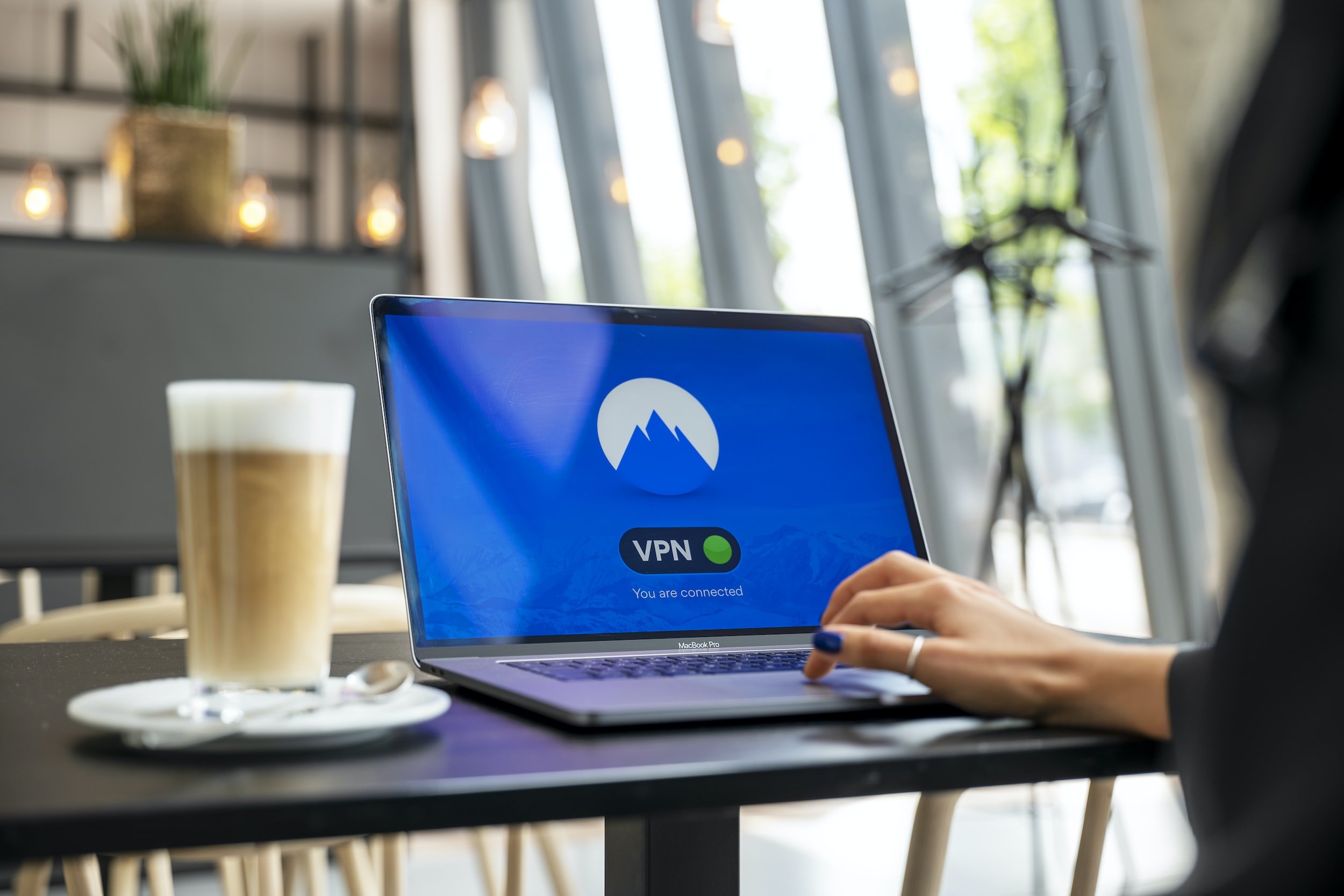
Are you looking for a way to ensure the utmost security and privacy on the web? Virtual private networks (VPNs) are a growingly popular way to do so, but can they also safeguard you from malicious viruses?
Are you wondering about the advantages and disadvantages of using a VPN for virus protection? This article is here to provide answers! Not only will we examine these questions in detail, but also explore some general cybersecurity measures that can help protect your devices.
A VPN's role in virus protection
With a Virtual Private Network (VPN), you can securely access the internet with an encrypted, protected tunnel between your device and the VPN server. Not only are they extremely useful for protecting personal data and privacy while connecting to the web, they also help bypass censorship and geo-restrictions. Although this technology is invaluable in boosting security against viruses or other online cyber threats, it's important to remember that protection from a VPN alone isn't enough; additional measures are necessary as well!
Connecting with a Virtual Private Network (VPN) reroutes any online activity through the VPN server, making it harder for anyone to track. Yet, this does not protect you from sophisticated malicious attacks like malware or phishing scams. Additionally, emails and text messages will remain exposed as they are unable to be encrypted and can be compromised easily by hackers.
If your computer is ever infected with a virus, Trojan, spyware, or another malicious entity, even the best VPN service provider cannot provide you with protection. This type of malware can endanger your personal information and give cybercriminals access to confidential details such as financial information, social security info, and vital passwords which is something that no one should take lightly!
Not only can hackers ruin devices containing your precious files, but they may also tamper with associated social media accounts and send out spam messages under your name. Whether it is an individual or a business, cyber-attacks are equally capable of inflicting damage on both parties.
To protect yourself from malicious attacks such as viruses and Trojans, antivirus programs come to the rescue. By filtering all incoming traffic (including emails and downloads), these powerful protection systems have earned their place in safeguarding our digital lives against potential threats. Furthermore, regular updates ensure that even the most recent dangerous threats will be filtered before infiltrating any device!
As malicious hackers continue to hone their techniques, it is essential that your security tools are kept up-to-date. The ideal antivirus software will be able to effectively collaborate with other defensive measures such as firewalls and provide you with the best possible protection against digital threats.
The ultimate digital shield is created when you combine a VPN and an incredible antivirus program. Doing so offers multiple levels of security protection, which has been recognized by many popular antivirus companies who now offer both services in their comprehensive security solutions. By taking advantage of this two-pronged approach, your entire system can be further safeguarded against potential threats.
Pros and Cons of using a VPN
Pros
While not recommended to be used alone in your cybersecurity plan, there are some undeniable benefits that coincide with a VPN.
1. An encrypted VPN connection can be an essential part of protecting your personal data from malicious hackers who seek to exploit unsuspecting users. With the growing trend of people performing their shopping and banking online, it's critical that a secure connection is established in order to keep your information safe including passwords and credit card numbers. By utilizing a VPN, you can help endure all of your sensitive details remain hidden and out of reach from any would-be intruders!
2. In public settings such as airports and coffee shops, using a Wi-Fi network can leave your data exposed to malicious actors. To help protect yourself from potential breaches, you can use a virtual private network (VPN) when connecting to public networks. VPNs create an extra layer of security that helps keep your information out of the hands of hackers or other cybercriminals.
3. With a VPN, you can keep your personal data secure and prevent websites or your internet service provider from accessing it. Most sites attempt to access information like browsing history or location in order to offer more targeted advertisements. However, by utilizing a VPN, this connection is severed and your privacy remains intact. Investing in the use of a trustworthy VPN can provide peace of mind that sensitive details will remain confidential while online.
4. In addition, VPNs are a great way to access certain websites that might be otherwise geo-blocked. If you've ever wanted to watch content exclusive to another part of the world, then using a VPN is one of the easiest ways possible! With just a few clicks, you can unlock international streaming sites and consume whatever content piques your interest.
Cons
1. While free and low-cost VPNs can be appealing, they often log your browsing information and sell it to third parties. While the intention of this practice is usually for advertising purposes, it still carries security risks that many people are unaware of. A study conducted by the IMC showed that a large amount of VPN apps rely on third-party trackers, which is why choosing a secure VPN service should not be taken lightly.
2. If your VPN is not fit for the browser you're using, it'll seriously decrease speed. Unfortunately, many no-cost VPNs restrict the number of devices connected at one time making life difficult for businesses that have to link multiple devices, meaning they won't be able to benefit from high speeds.
3. We all value our privacy, however, some VPN providers grant government authorities access to their user's data. Therefore, it is essential that you thoroughly read the provider's privacy policy before subscribing to any service! This will ensure your personal and confidential information remains safe and secure.
Does a VPN actually provide any virus protection?
Though a VPN will not completely protect you from malicious viruses, it can certainly reduce your risk. Encrypting the connection via a secure virtual private network makes it considerably tougher for hackers to access and steal personal information, thus making those without this protection much more vulnerable targets. As such, many criminals prefer targeting individuals who are unprotected in comparison to those with an encrypted VPN connection.
Protecting your personal data from cybercriminals is one of the most effective ways to guard yourself against ransomware and phishing scams. While it's not impossible for them to access what they seek, keeping your information close makes their task much more complicated, reducing the likelihood of a successful attack.
Steps to Prevent Viruses and Malware
Nobody wants to be a casualty of cybercrime, but when it does happen, minimizing the damage is essential. No matter if you're an individual or part of a big business with weak security systems or strong safeguards in place - take the following actions to safeguard your devices:
1. Keep in close contact with your IT team or MSP partner
Despite the best precautionary measures, attacks may still happen, but having a reliable cyber security team ready to respond quickly can mean the difference between success and failure. That's why it is paramount for your business to be proactive in prevention as well as have an action plan to fall back on should any attack occur.
2. Have cybersecurity training for the entire team
With appropriate training, all workers can be cognizant of what to look for and thus avert malware and viruses more often than not. This education will assist every part of the business in spotting likely risks as well as recognizing various forms of cyber threats.
3. Keep your antivirus software up to date and running
Shielding your computer from malware is crucial for any user, and antivirus software serves as the ideal barrier. It will scan for potential threats on a regular basis, isolating or deleting those that could cause harm to your system. For added security, many programs come with an integrated firewall feature which serves as one more powerful defense against unauthorized access attempts!
4. Be careful what websites you visit and what files you download
To stay safe online, always be sure to stick with trustworthy websites and reliable sources when downloading files. Never open email attachments until you know they're secure, and avoid installing software updates or plugins from suspicious sites.
5. Back up your data regularly
To mitigate the harm of malware, it is wise to have a backup of your data. If this is what you're looking for, an online backup service may be perfect for you. These services let you store and access your data from wherever in the world.
Another secure way to backup your data is by using a portable hard drive or USB flash drive. Just remember to inspect the device thoroughly before plugging it into your computer, so you can be assured that no harm will come of it. With these steps taken as a precaution, you'll have an updated copy of your files in case any emergency arises!
6. Use strong passwords
To fortify yourself from malicious viruses and malware, create strong passwords or passphrases for all your accounts and change them regularly. It's true that no single measure can completely protect you against cyber threats. However, by combining various tips together, such as creating unique password combinations, the defense line of any person or business will become much more formidable.
7. Use a firewall
Take proactive steps in shielding your computer from malicious attacks and other cyber threats with the power of a firewall! Firewalls act as an imposing barrier that inhibits any unauthorized access to your device.
8. Keep your operating system and other software up to date
Installing software updates is an effective way to secure your computer from any potential threats. Usually, you can find the security patches in the settings or preferences section of whatever application that may need updating.
Final Thoughts
Although a VPN can give you some advantages, it also comes with risks. Therefore, if you are considering investing in one, make sure to do your due diligence. Ensure that the particular model of VPN is suited for what you need and don’t use it as your only line of defense against viruses or malicious software. If you have further questions about your cyber security needs, please contact us at Ozark Technology.
Ozark Technology is a Business Technology Provider that helps organizations across the country rethink the value technology brings to their business. Want to partner with us? Let’s chat.